Building a Bulletproof Music Library: Stay Organized and Never Lose a Track
July 6, 2026
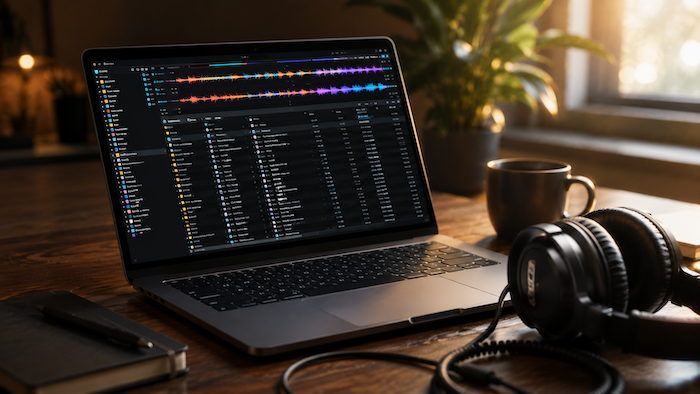
Every DJ has been there.
You’re in the middle of a set when someone requests the perfect song. You know it’s somewhere in your collection—but where? Was it in Downloads? House? Wedding Music? That folder you created six months ago and never looked at again?
A messy music library doesn’t just waste time. It creates stress, slows down your workflow, and can even cost you opportunities when you’re scrambling to find the right track.
The good news? Keeping your music library organized doesn’t have to be complicated. A few simple habits can save you countless hours and make every gig, studio session, or practice mix run more smoothly.
Start Simple
One of the biggest mistakes DJs make is creating too many folders. Instead of building a maze of directories, keep your main folders broad and easy to understand. For example:
- DJ Library
- Music Production
- Samples
- Projects
- Archive
Once those are in place, resist the urge to constantly reorganize them. Consistency matters far more than having the “perfect” folder structure.
Name Files So You’ll Recognize Them Later
We’ve all seen files named:
Track Final.wav
Final Mix 2.wav
Song New FINAL.wav
They make sense today—but probably won’t six months from now. Instead, use clear names that tell you exactly what the file is. For example:
Artist – Song Title (Extended Mix)
The goal isn’t to create complicated filenames. It’s to make every file instantly recognizable at a glance.
Let Your DJ Software Do the Heavy Lifting
Many DJs spend far too much time organizing folders when they should be organizing their library inside their DJ software. Programs like Rekordbox, Serato, and Traktor let you sort music by genre, BPM, key, artist, rating, and custom tags. Once your tracks are properly tagged, finding the right song is much faster than digging through folders. Think of folders as storage. Your DJ software is how you actually browse your music.
Spend a Few Seconds Now to Save Hours Later
When you download new music, don’t just drag it into your library and promise yourself you’ll organize it later.
You probably won’t. Instead, take a minute to:
- Add the correct genre
- Verify the BPM and key
- Fix the title if needed
- Move it into your main library
Those few extra seconds today can save you hours of cleanup down the road.
Protect Your Collection
Imagine losing years of music because an external hard drive suddenly fails. It happens more often than people think. Keep at least two backups of your library. Store one on another drive and another somewhere offsite or in the cloud. If your computer dies tomorrow, you should be able to restore everything without starting over. A backup isn’t something you appreciate until you need it.
Avoid Duplicates
As your collection grows, duplicate tracks become almost inevitable. Maybe you downloaded the same song from two record pools. Maybe you bought it from another store. Maybe you restored an older backup without realizing it. Every duplicate makes searching your library a little slower—and a little more frustrating. Every few months, set aside some time to remove duplicate files so your collection stays clean.
Keep It Maintained
The best music libraries aren’t built in one weekend. They’re maintained over time. Whenever you add new tracks, take a minute to organize them properly before moving on. It’s much easier to organize ten songs today than a thousand next year. Good habits beat marathon cleanup sessions every time.
Final Thoughts
A great music library isn’t about having thousands of songs. It’s about being able to find the right one exactly when you need it. Staying organized means less time searching, less stress behind the decks, and more time focused on the mix. Your future self—and your audience—will thank you.